Local search & AI discovery
Clear service pages, accurate business profiles and answers to real customer questions. Make what you do, where you work and how to book easy to understand.


AI & digitalisation / Local business
Connect your website, bookings and customer data. Put practical AI agents to work on the tasks that take up your day.
AI adoption for local businesses
Clear service pages, accurate business profiles and answers to real customer questions. Make what you do, where you work and how to book easy to understand.
A fast, mobile-friendly website with useful service information, forms, appointments or online orders. Give every visitor a clear next step.
Bring enquiries, customer records and follow-ups together. Connect the tools you already use and remove the repeated copying between them.
Build an agent around a defined job: answer questions, gather a brief or support your team. Connect it to approved information and agreed actions.
Agents with a purpose
Help someone choose a service, answer opening-hours questions and pass a complete enquiry to your team.
For shops, salons & local services
Check available slots in a connected calendar, collect the details and confirm the booking with the customer.
For appointment-based businesses
Find an answer in your documents, summarise an enquiry and draft a follow-up for a colleague to review.
For busy owners & small teams
Your information. Your rules. Each agent has a defined job, approved access and a clear handover to a person.
An example / A local appointment business
A customer asks about availability after closing time. Here is how the pieces can work together.
The assistant uses your current services and booking rules.
The customer chooses an available slot and confirms their details.
The booking reaches your calendar and CRM. Exceptions go to a person.
A practical first step
Specialist service / AI for operations
VLM search, speech-to-text and Smart Alerts. Ask in your language, find the event and check what happened.
Selected projects / 08
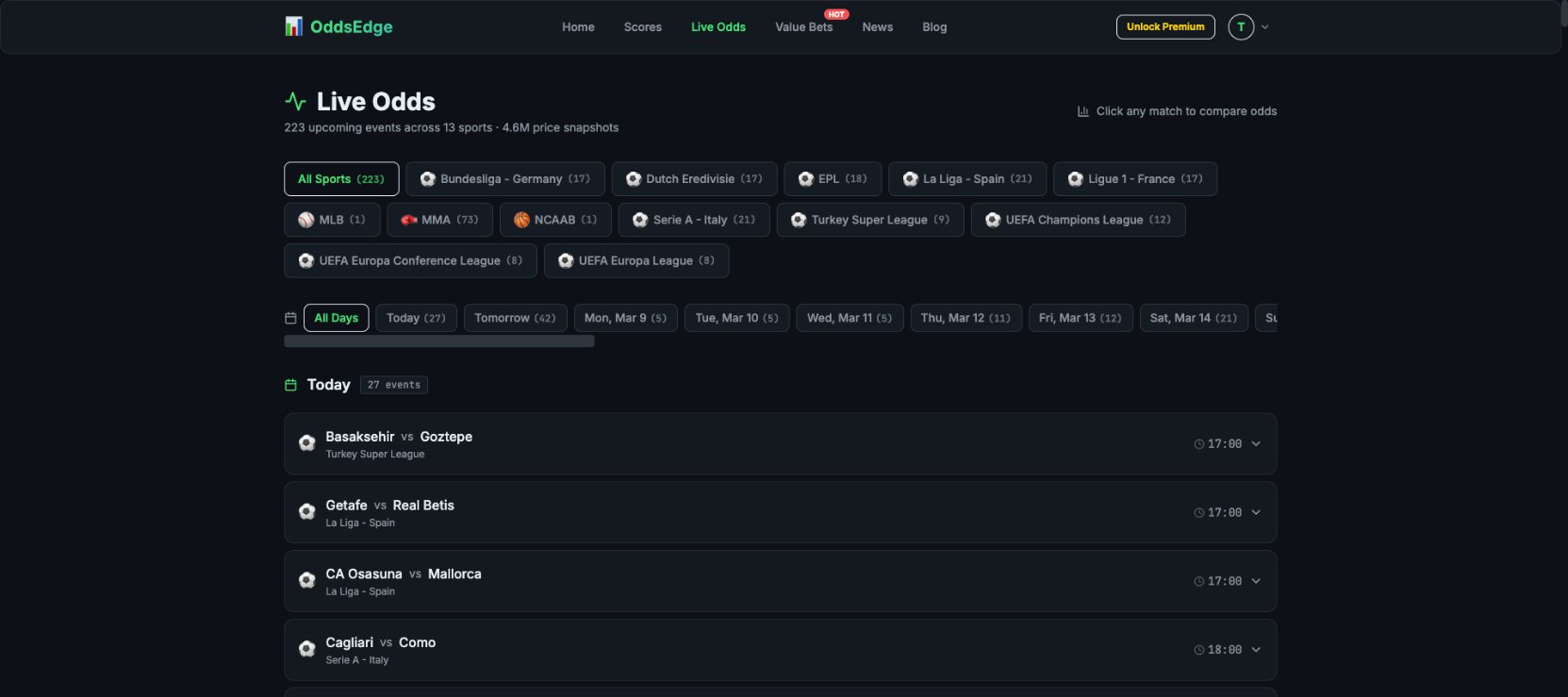
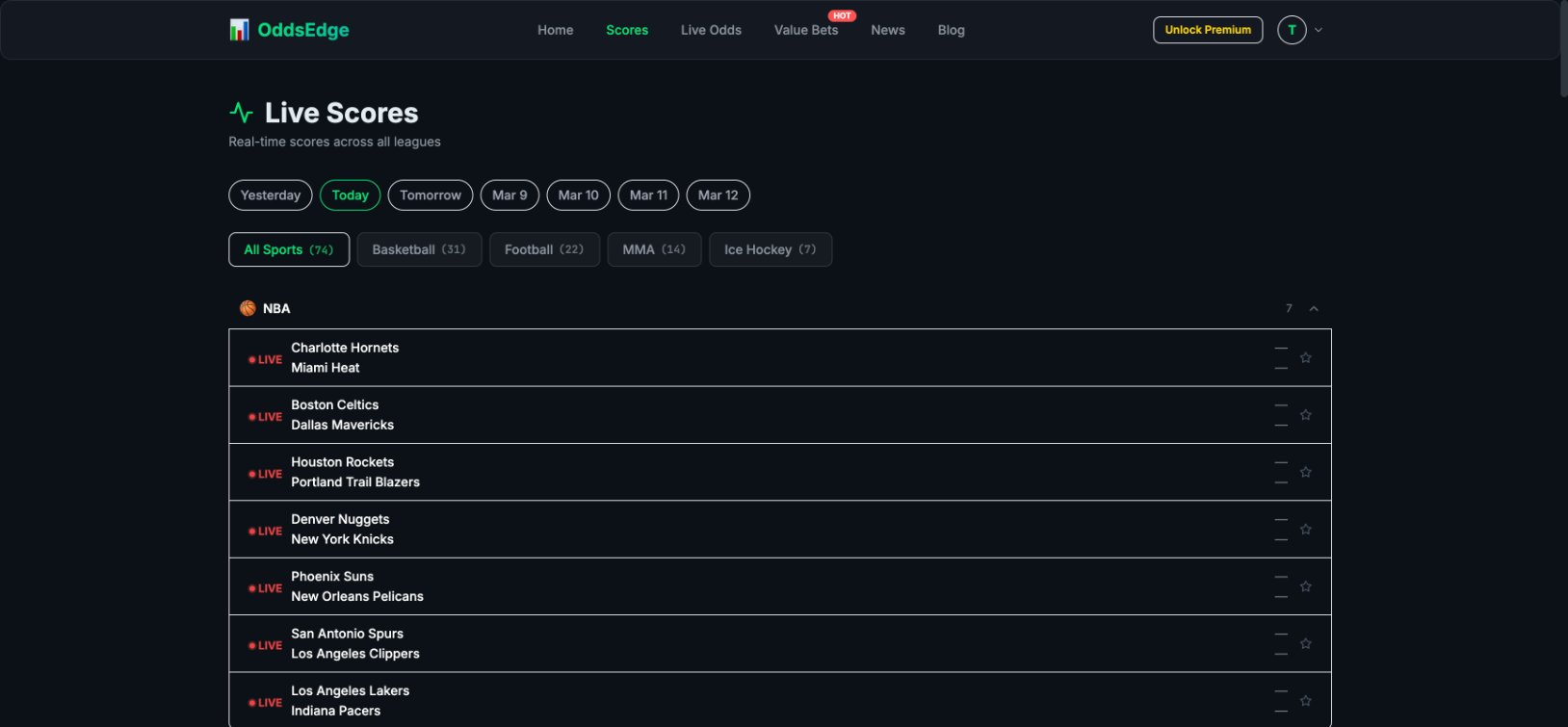
Product architecture and experience design for a sports platform connecting match data, odds comparison and member access.

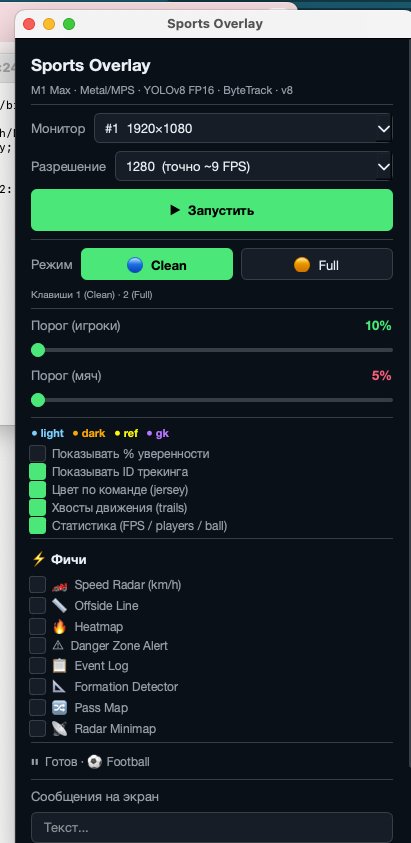
A desktop computer-vision prototype that adds player and ball tracking, team colours and analytical overlays to football footage.
Positioning and workflow planning for a venture connecting brand information, content production, automation and visibility in AI-assisted discovery.
Two complementary prototypes exploring audio capture, local speech recognition and text export: a React recording interface and a Python transcription service.
A Python toolkit for configuring browser profiles, checking connections and coordinating browser startup through a local API.
A digital assistant for a business leader: one conversation connects research, content, planning and specialist AI agents through a shared working context.
A Telegram bot for an international product, connecting existing users with personal messages and a direct path back to their account.
Collected / planned query-GEO pairs
A custom analytics product for an international technology company, bringing Google search visibility, keyword demand and competitive context into one workspace organised by GEO.
A few useful answers
We start by reviewing what you use. Working tools stay where they make sense; we agree any migration before building. Available integrations and access determine what can connect.
Yes. Start with a frequent problem, such as missed enquiries or manual appointment reminders. Test it with your team, then decide what to add.
Only the actions we agree and test. We set which information it can access, when a person must approve an action and how it hands over an uncertain answer. Your team can pause it.
We improve the foundations: useful pages, accurate business information and a site search systems can access. Rankings and mentions in AI answers are decided by the platforms and cannot be guaranteed.
Your agreed scope covers setup, testing, documentation and team training. We identify software and usage costs separately, and agree who maintains the system and updates its information.

Your next step
Tell us what slows your business down. We’ll help you find a useful place to start.